Skip to content
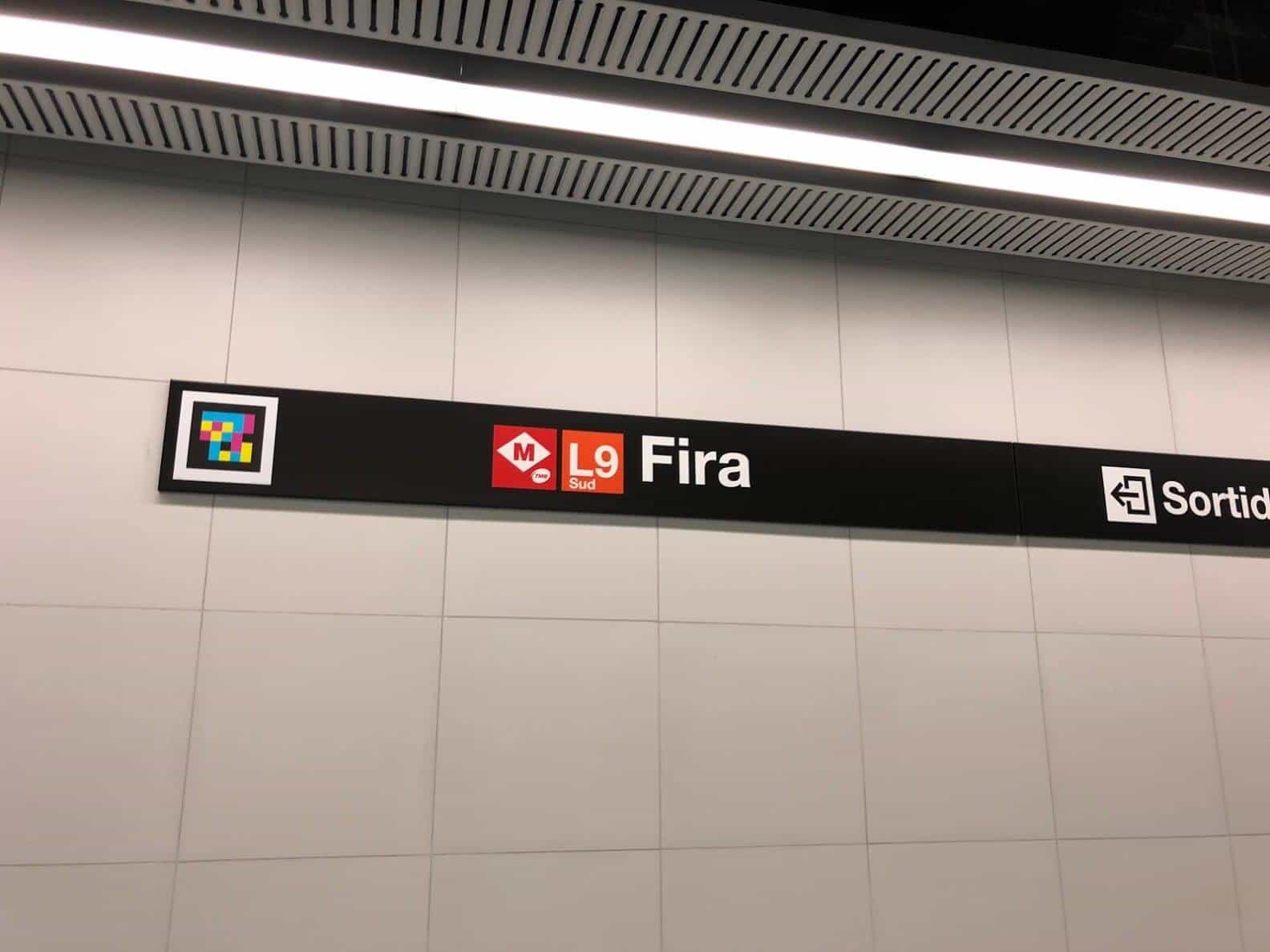
    NaviLens code on metro signage, read from a distance
    Read at +30 m · Barcelona Metro

    § NaviLens Technology

    It looks like magic,
    it is technology.

    How it works

    A visual marker designed over more than a decade. It does what a QR cannot: read from afar, on the move, without focusing and from almost any angle. The same technology, two ways to use it: NaviLens and NaviLens GO.

    § Anatomy of the code

    Three design layers, a single reading.

    Each element of the code exists for a specific reason. Together they achieve what no conventional QR can.

    Dissection of the NaviLens code showing its layers
    01

    Multichromatic pattern

    A matrix of saturated colours on a black background. It generates extreme contrast that the camera detects from far away, on the move and from any angle.

    02

    Black background

    Absolute black stabilises the colours and enables instant visual segmentation, even in low light or with blur.

    03

    White frame

    The white border defines the marker's limits and guides real-time geometric correction, so reading needs no focusing or framing.

    § What changes the game

    Four figures that explain it all.

    +30 m
    Reading distance

    Up to 12 times the distance of a conventional QR. No need to walk up, no need to stop.

    1/30s
    Instant detection

    The code is recognised in a single fraction of a second, as soon as it enters the frame.

    160°
    Reading angle

    Works from almost any perspective. No need to aim precisely.

    42
    Voiced languages

    Content described by voice in the user's language, without them having to change a thing.

    § Two apps, one code

    NaviLens and NaviLens GO.

    They share the same marker and the same detection technology. What changes is who they are designed for and what problem they solve.

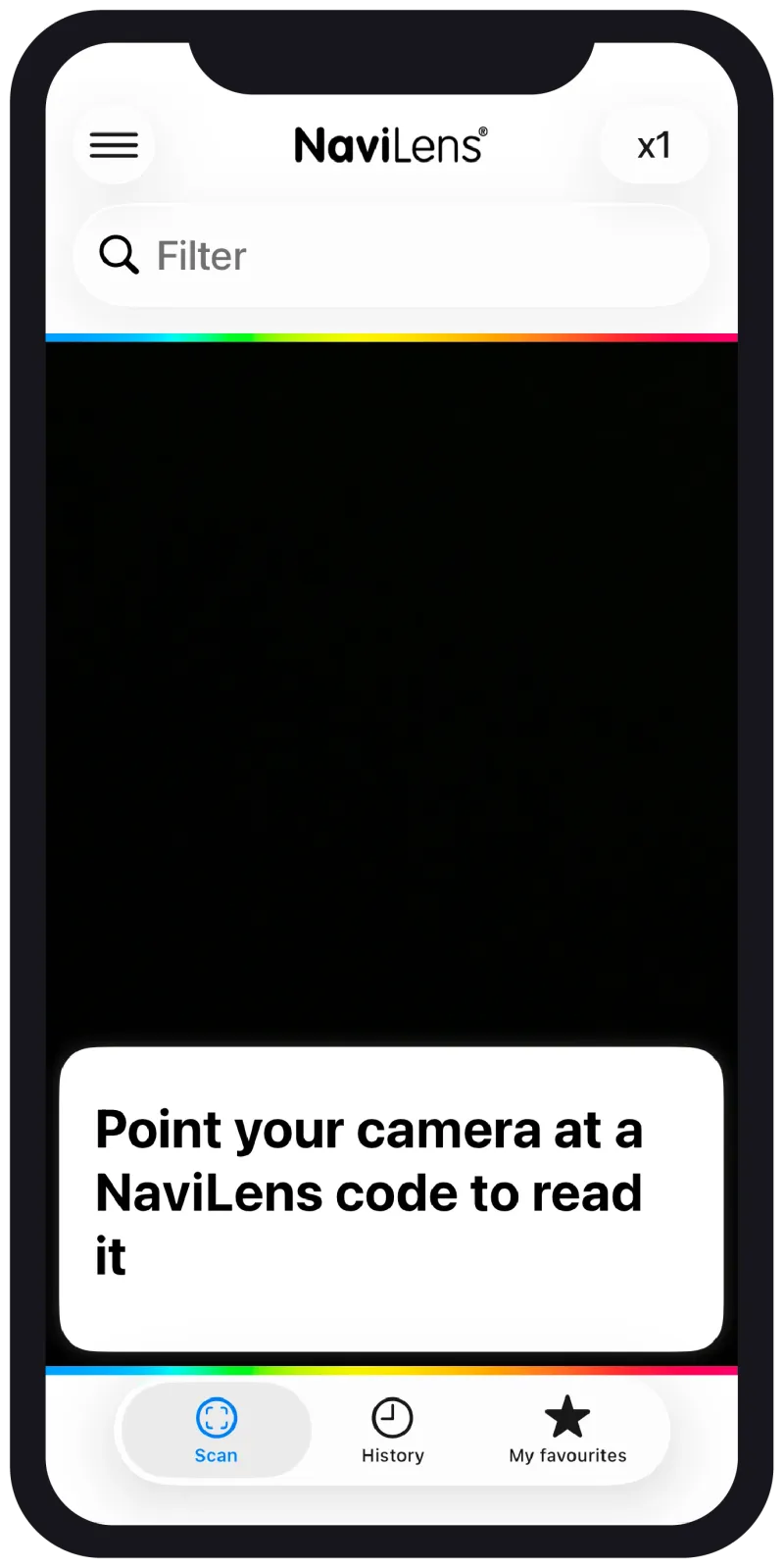
    NaviLens
    LISTENING TO SURROUNDINGS

    Detects accessible signage from a distance and describes it by voice.

    NaviLens
    Accessibility and orientation

    To move through a space.

    Designed for
    People who are blind, with low vision or with cognitive difficulties.
    How it's used
    The phone listens in the background. It detects codes from a distance and describes by voice what's around you: exits, platforms, rooms, obstacles.
    Features
    • Detection at +30 m without focusing
    • Real-time narration of the surroundings
    • Guided routes with AR (Magnet™)
    • Spatial sonification
    • Low-vision and high-contrast mode
    Typical cases
    Metros, airports, museums, hospitals, public buildings.
    App StoreGoogle Play
    NaviLensGO
    POINT AT THE CODE

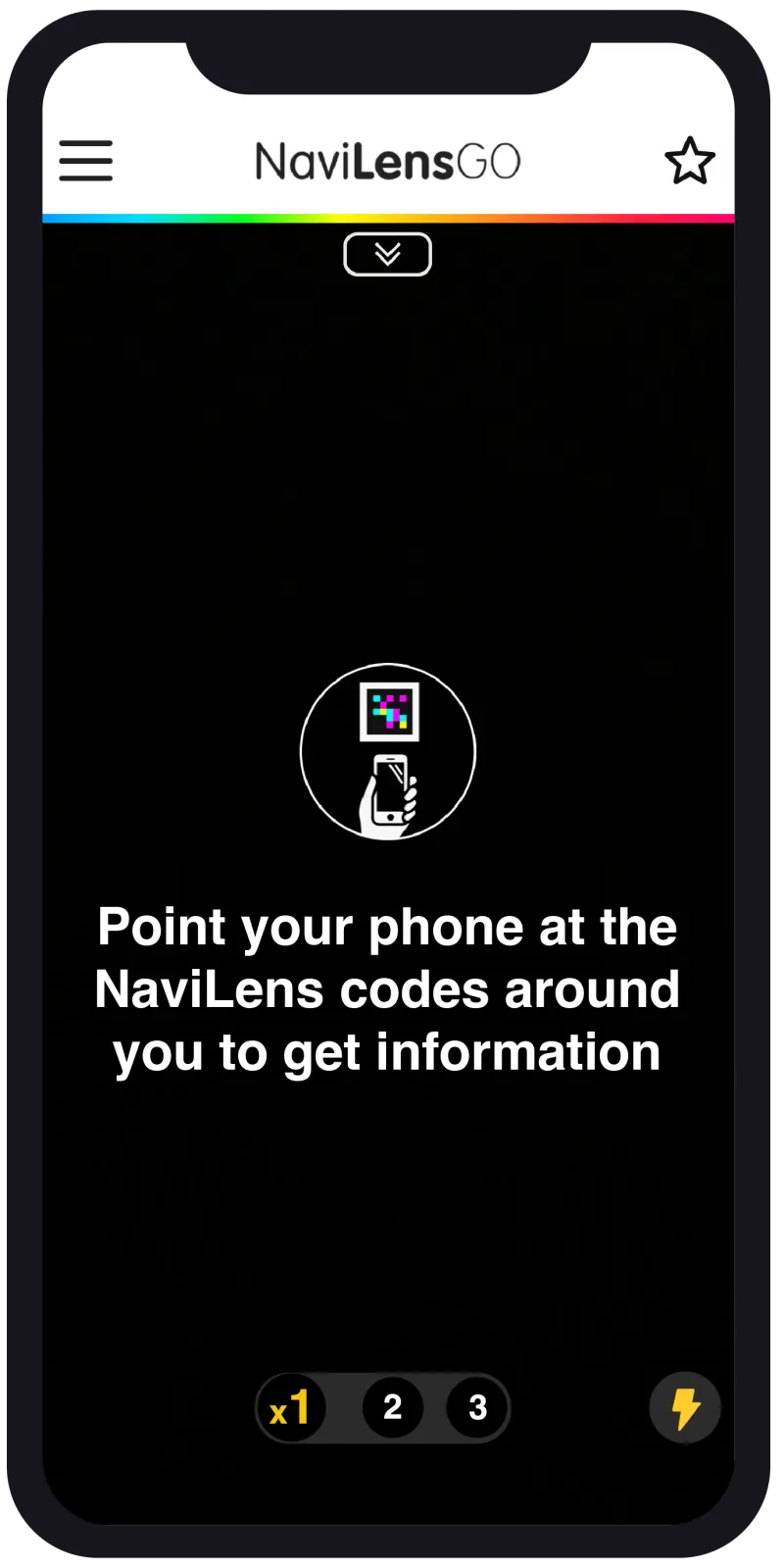
    Point at a code and open the content in your language.

    NaviLens GO
    Enriched content

    To point at a code.

    Designed for
    People with low vision or sighted, with no prior setup needed.
    How it's used
    You point the camera at a code and the associated content opens instantly: text, audio, video or AR, in your language.
    Features
    • Multi-detection of several codes at once
    • Text, audio, video and augmented reality
    • Over 42 languages
    • Smart content filtering
    • Ideal for packaging and product
    Typical cases
    Packaging, labels, museums, manuals, tourism.
    App StoreGoogle Play
    NaviLens
    Designed for
    People with visual impairment
    When it activates
    On its own, listening to surroundings
    What it delivers
    Voice that describes and guides
    Where it fits
    Spaces and signage
    NaviLens GO
    Designed for
    People with low vision or sighted
    When it activates
    When you point at a code
    What it delivers
    Text, audio, video or AR
    Where it fits
    Products and packaging

    § How to choose

    Both apps read the same code. What changes is the experience each user lives.

    If your priority is accessibility and orientation in a physical space, NaviLens is the natural choice. If you want to reach the general public with enriched content on product, NaviLens GO fits better. In most projects, both coexist on the same code.

    § How does it help you?

    What it can do for you.

    • Code reading at up to 12 times more distance, with a 160° angle and on the move, without needing to focus or know where the code is located.

    § Privacy

    Privacy. By design, not by default.

    NaviLens works without asking anything of you. No account, no email, no location. Your data stays yours, because it never leaves your device.

    No account required

    We don't ask for email, username or password. Download the app and use it. That's it.

    No tracking

    No tracking cookies, no invasive analytics, no user profiling.

    No location data

    We don't collect or store your GPS position or any location data.

    No sensitive data

    We collect zero personal information of any kind. Zero data, zero risk.

    Privacy isn't a setting you turn on. It's the foundation we build on.

    Frequently asked questions

    About NaviLens technology.

    What is the NaviLens code and how is it different from a QR?
    The NaviLens code is a high-contrast visual marker designed to be detected by a phone camera without focusing or framing. Unlike a regular QR, it can be read on the move, from over 30 metres away and at angles up to 160°. That makes it usable by blind and low-vision people, and improves the experience for everyone.
    How far away can a NaviLens code be read?
    A NaviLens code can be read from over 30 metres, proportional to its size. A small code printed on packaging is read at centimetres; a large code in a transit station is read at tens of metres. No focusing required.
    How many languages does NaviLens support?
    The NaviLens app delivers the information attached to a code in 42 languages, automatically translated to the user's device language. You don't need a separate code per language: the same code works for all 42.
    Does it need an internet connection to work?
    Detection and reading of the code work locally, offline. Playing the associated content (audio, text, translations) may need a connection the first time, but the system is optimised for environments with intermittent coverage such as public transport or underground stations.
    Is it accessible for blind, low-vision and deafblind users?
    Yes. NaviLens was built from day one as accessibility technology. The app guides the user to the code through audio and vibration, reads the content aloud and is compatible with VoiceOver (iOS) and TalkBack (Android). For deafblind users it pairs with Bluetooth braille displays.
    What's the difference between NaviLens and NaviLens GO?
    NaviLens is the full version for blind and low-vision users, with audio and vibration guidance. NaviLens GO is designed for the general public and for people with cognitive or intellectual disabilities and older adults, with a simplified interface and pictograms. The same code works for both apps.
    What materials and surfaces can the code be printed on?
    Almost any substrate: paper, vinyl, metal, plastic, fabric, construction materials. The only condition is that the surface doesn't produce extreme glare or reflections that prevent the camera from detecting it.
    Is the technology free?
    The NaviLens and NaviLens GO apps are free for end users. Organisations that want to deploy codes and publish content take out a licence. There is also a NaviLens Accessible QR Code generator with a free plan for up to 2 codes.
    Does it comply with the European Accessibility Act (EAA) and other regulations?
    Yes. NaviLens aligns with the European Accessibility Act, WCAG 2.1, ADA (US) and other accessibility standards. By its nature — physical wayfinding accessible to blind and low-vision people — it directly supports compliance with accessible information and orientation requirements.

    § Try it

    Download an app, scan a code, see the magic.

    Technology is best understood with the phone in your hand. Download NaviLens or NaviLens GO and try a real code.